 Field Service Management Software
Corporate version feature
Provide exceptional customer service in all regions.
Meet with an expert
Focus on your core competencies
The key point is to provide excellent services by being physically present on-site.
Therefore, your tools should be user-friendly and as portable as you are.

Schedule your meetings.

Assign task for the employee.

Plan your route.

Track your working time.

Sell products.

Design individual work sheets.

Invoice for your services.

Provide commercial offers.
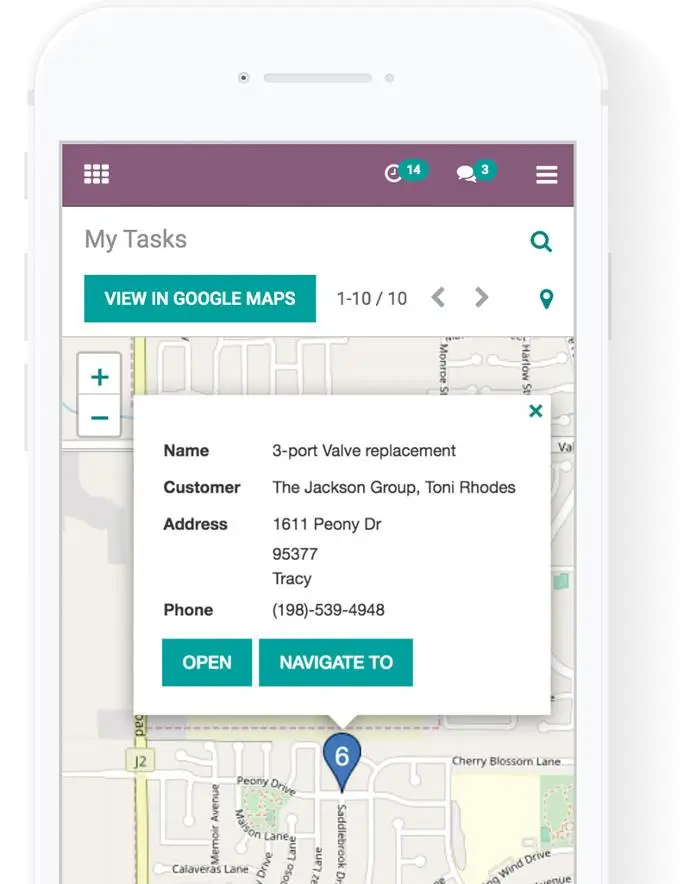
Efficiently manage your work schedule from anywhere using any device.
Odoo is compatible with any internet-connected device and optimized for mobile devices. You don't need to install any software or worry about device compatibility. Just launch your web browser and start working!
Control and record your working hours
Odoo Field Service has a built-in one-click time tracking feature.
Additionally, you can also manually log your working hours.

Your timesheet will automatically be converted into billable items.
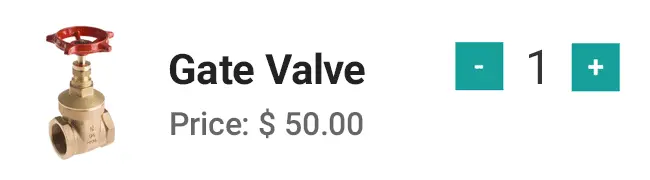
Sell products quickly and easily
When offering services, you often have to sell items like spare parts. The user-friendly interface of Odoo Field Service allows you to sell products with just one click!





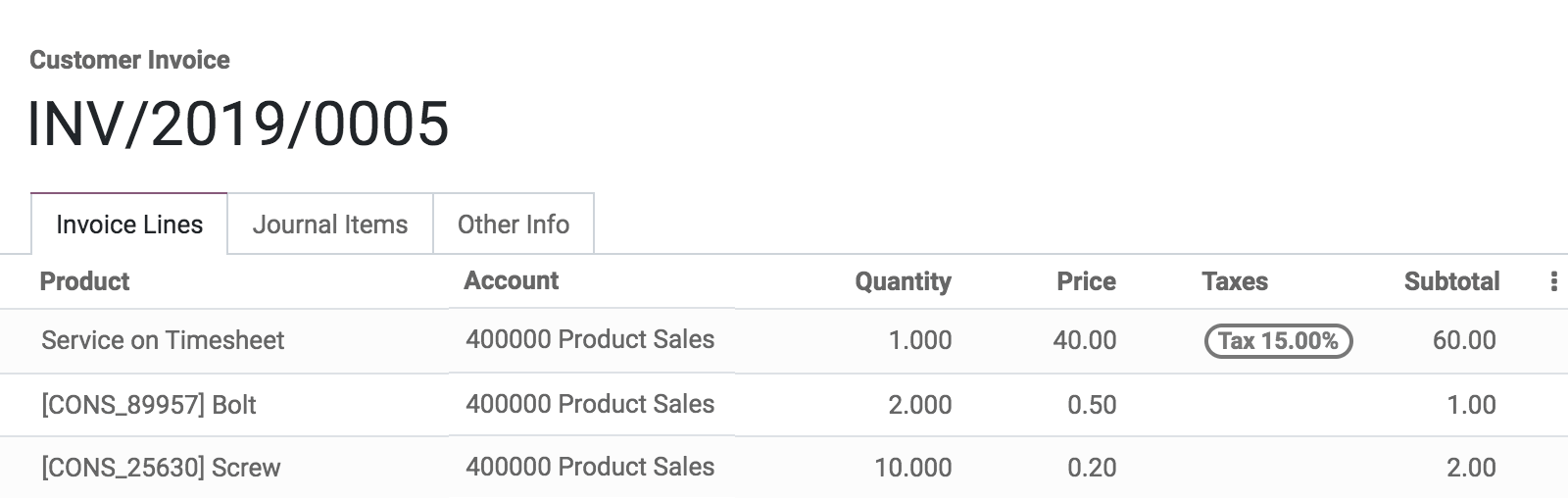
Incredibly fast invoicing
The time tracker counts your working hours, adding sold items is a simple one-click process,
and client information is automatically filled in when creating tasks.
Just click "Create Invoice" and it's all set!
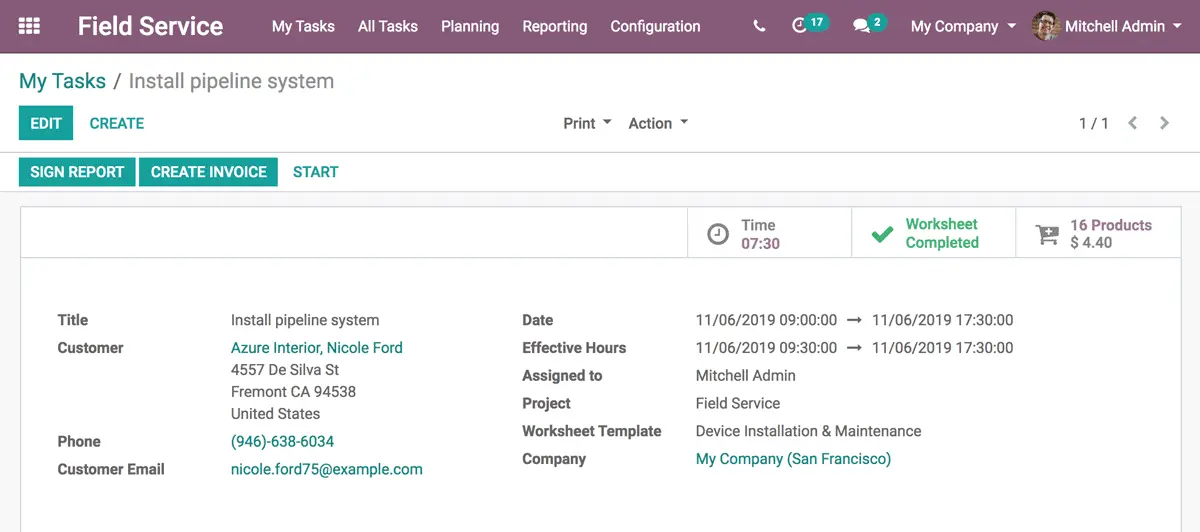
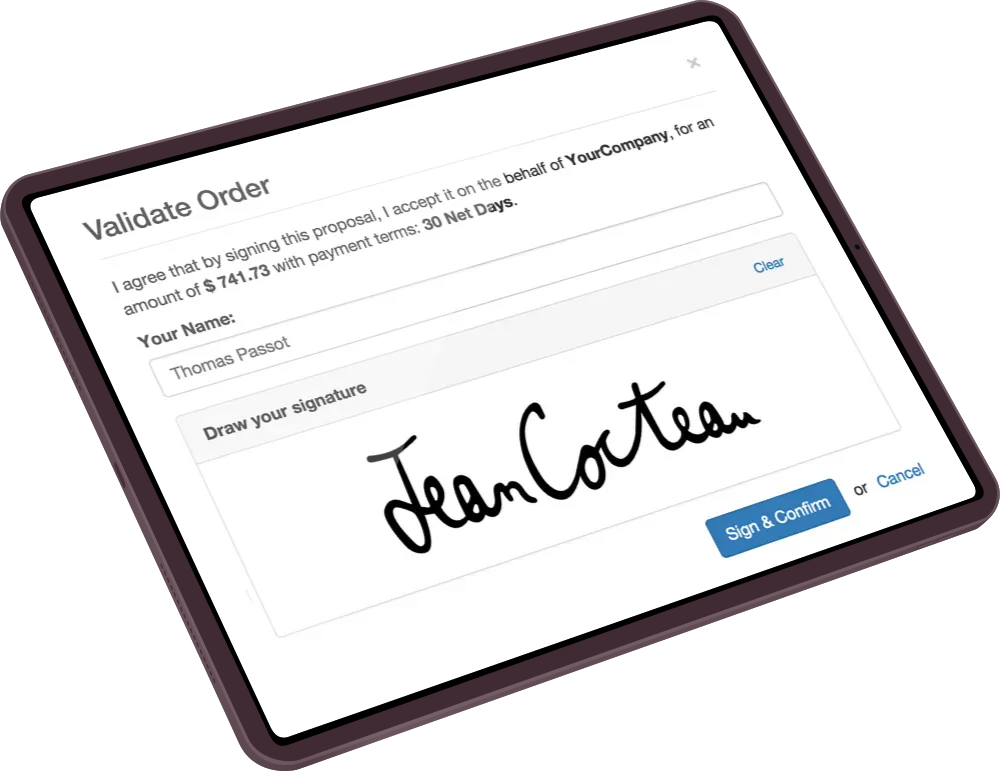
Sign your reports with an electronic signature
Reports are crucial as they contain detailed information about your working hours, sales, and work sheets. With Odoo Field Service, you can ask your clients to sign these reports with an electronic signature in the app. No need to print, send, or scan. It's quick and easy!
Optimized planning and multitasking
As a manager, the "Planning" tool is an important tool for you! You can easily assign and schedule tasks, as well as quickly reorganize tasks by dragging and dropping in the Gantt view. Additionally, you can create as many projects as needed to effectively organize all tasks across different teams or locations.

Full integration with other Odoo apps


Sales
Quickly and easily generate commercial offers and add products to your tasks without extra effort.


15 Million users
grow their business with Odoo
Use a professional tool for your professional services
No credit card required - instant access