Hotline Instructions
1. Import Hotline.UA Categories
Go to the "Site" - "Configuration" - "Hotline.UA" menu and click on the "Import Hotline Categories" submenu.
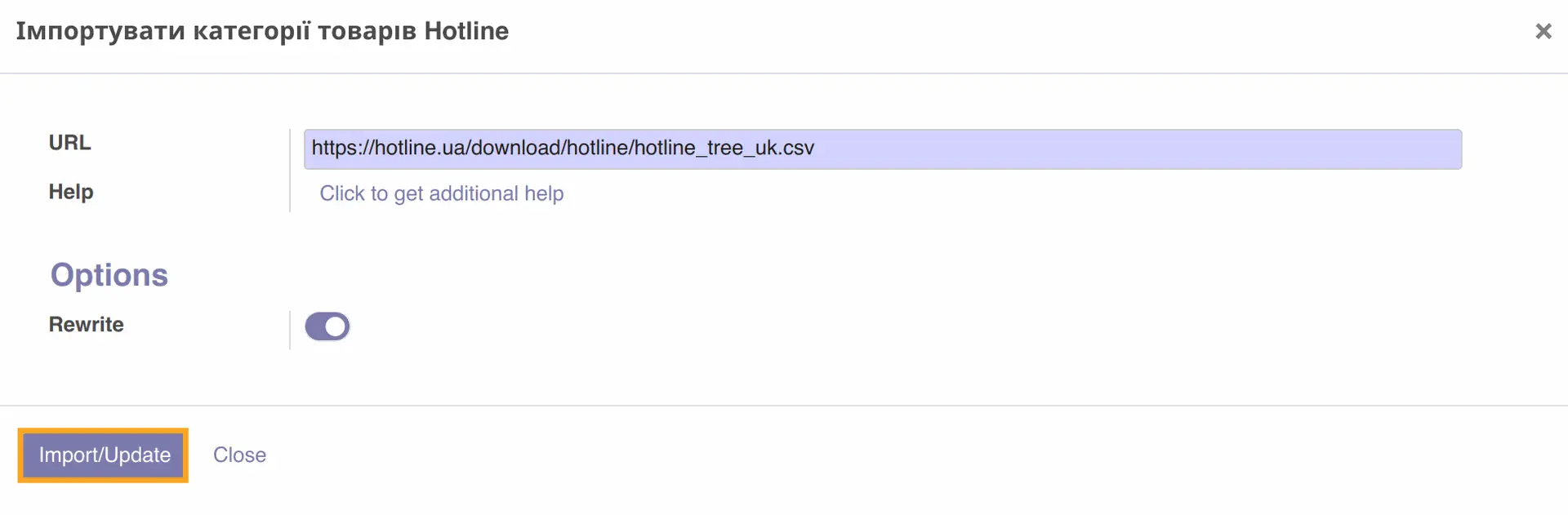
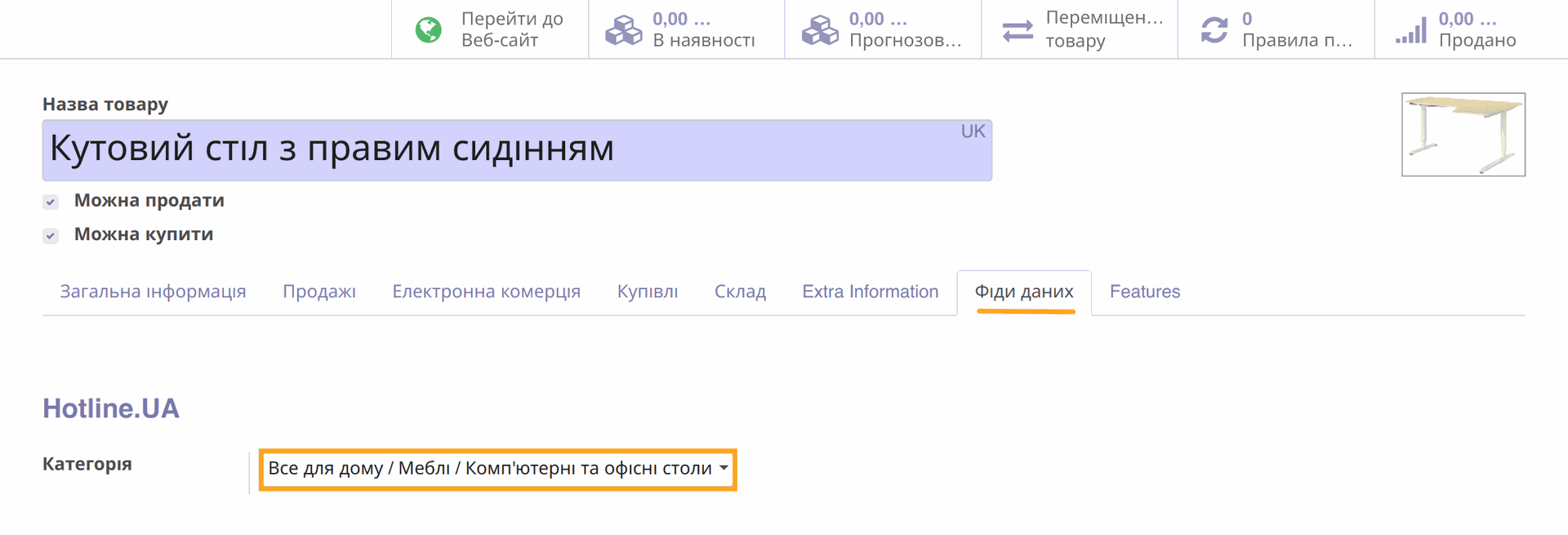
In the wizard that opens, click the "Import/Update" button. Hotline product categories will be imported, and you will be able to set them for your products.
 2. Obtaining the XML Channel URL
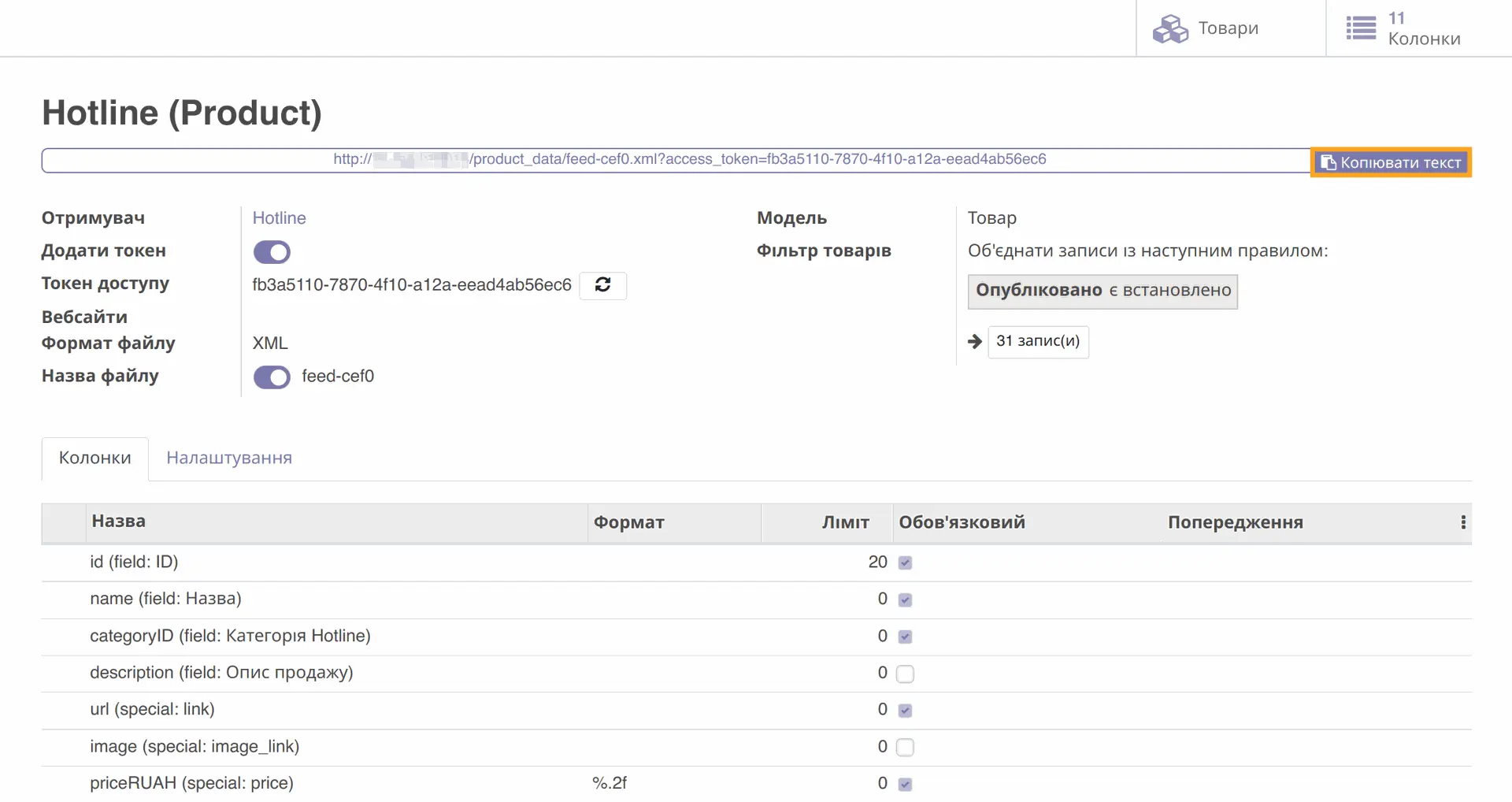
Go to the "Site" - "Products" - "Product Data Feeds" menu and select one of the Hotline feeds.
The module provides two ready-made feed templates for the Hotline service, which can be used after installing the module.
To get the feed URL, click the "Copy Text" button.